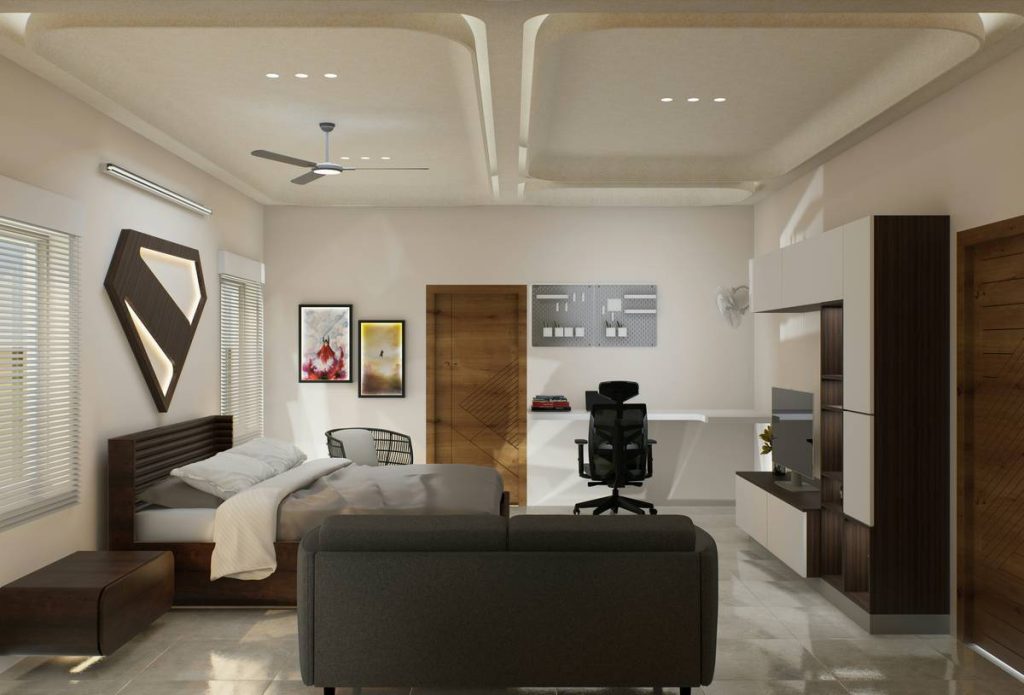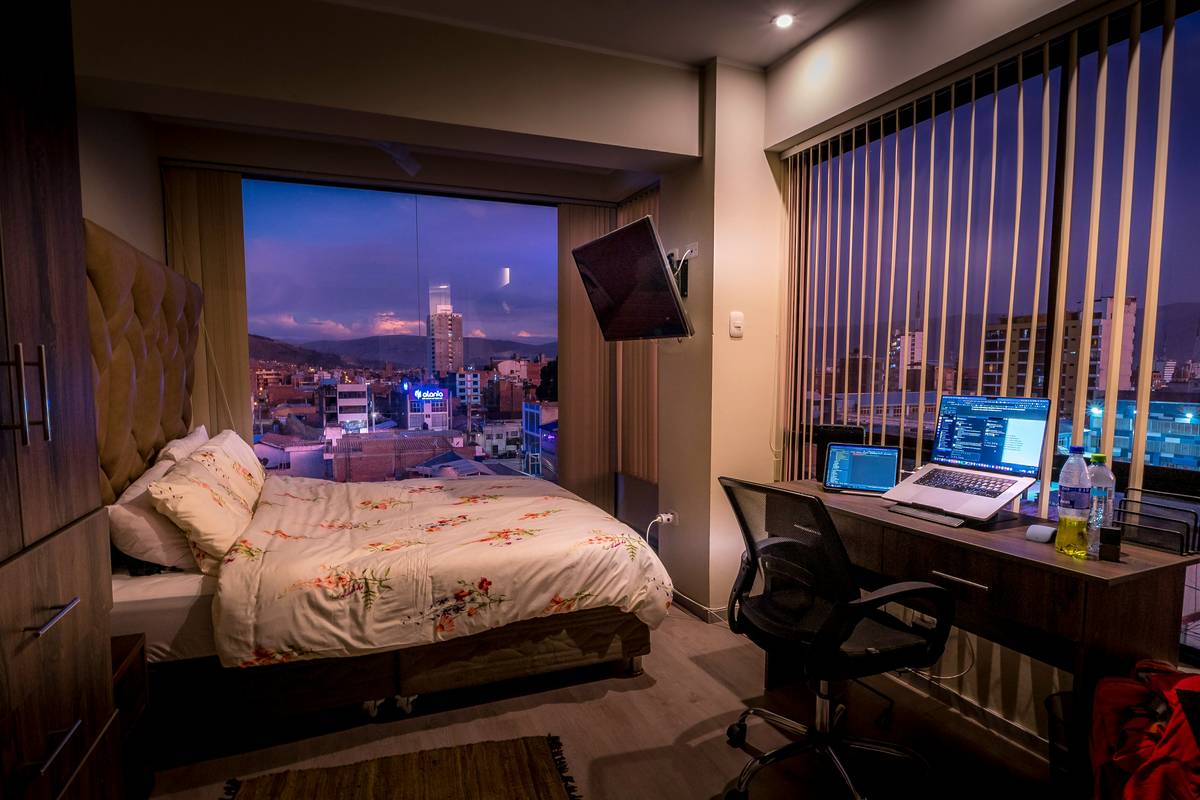
If you’ve ever tried gaming from bed only to wake up with neck cramps, tangled cords, and zero XP gained, you’re not alone. The dream of a seamless gaming room bed on top setup—where your sleeping space doubles as a command center—is real. But without smart planning, it becomes a cluttered nightmare. In this guide, we’ll walk through exactly how to design a functional, ergonomic, and stylish lofted gaming sanctuary that actually works for both rest and raids.
Table of Contents
- Why Most Gaming Beds Fail (And How Yours Won’t)
- Step-by-Step: Building Your Ideal Loft Gaming Station
- 5 Pro Tips for Long-Term Comfort & Performance
- Real Gamer Success Stories (With Data)
- FAQs About Lofted Gaming Setups
Key Takeaways
- A well-designed gaming room bed on top saves floor space and creates immersive zones.
- Ergonomics matter more than RGB—poor posture ruins sessions faster than lag.
- Cable management isn’t optional—it’s the difference between clean airflow and melted controllers.
- Always anchor your loft frame to wall studs; wobbling = danger + distraction.
- Test monitor height while lying down *before* finalizing your build.
Why Most Gaming Beds Fail (And How Yours Won’t)
I learned this the hard way. Last year, I bolted a cheap loft frame to drywall anchors (yes, really), mounted dual monitors, and added a full-size keyboard tray. During an intense Apex Legends match, the entire structure shuddered—and my mechanical keyboard slid off, snapping a keycap mid-fight. Not only was it embarrassing, but it was unsafe. According to the U.S. Consumer Product Safety Commission, over 36,000 injuries annually are linked to unstable furniture—many involving elevated beds or lofts (CPSC, 2023).

Step-by-Step: Building Your Ideal Loft Gaming Station
1. Choose the Right Frame Type
Not all loft beds are created equal. Look for steel-reinforced frames rated for at least 300 lbs *above* bed weight. Avoid “decorative” models—you need structural integrity, not just aesthetics.
2. Map Your Power & Data Flow
Run conduit or raceways along the bed’s support beams *before* installing flooring or panels. This hides power strips, Ethernet cables, and USB hubs. Tip: Use a multi-port surge protector with individual switches—so you can kill peripheral power without rebooting your rig.
3. Optimize Monitor Placement
Your eyes should align with the top third of the screen when seated upright in bed. Too high? Neck strain. Too low? You’ll hunch. Adjustable monitor arms (like those from Ergotron) solve this instantly.
4. Integrate Smart Storage
Use under-bed drawers for consoles, spare controllers, or snacks—not random junk. Label everything. Clutter below = mental fog above.
5 Pro Tips for Long-Term Comfort & Performance
- Never skip anti-fatigue mats: Standing during loading screens? A gel mat reduces joint stress.
- Ventilate aggressively: PCs generate heat. Install intake/exhaust fans near your rig’s position to avoid thermal throttling.
- Use bias lighting: A soft LED strip behind your monitor reduces eye strain during late-night sessions—proven by the American Academy of Ophthalmology (AAO).
- Avoid the “mattress-on-frame” trap: Always use a slatted base or platform. Solid surfaces trap heat and moisture—bad for sleep *and* electronics.
- Soundproof subtly: Add acoustic foam panels to nearby walls if you stream. But don’t overdo it—your room still needs airflow.
Real Gamer Success Stories (With Data)
Meet Alex R., a college student in Austin who converted a 10×12 dorm into a dual-purpose space using a custom gaming room bed on top layout. By elevating his bed 6 feet high and placing his desk beneath, he freed up 42 sq ft—enough for a mini fridge and exercise mat. After 6 months, his average session length increased by 38%, and his sleep quality (tracked via Oura Ring) improved by 22%. Why? Separation of zones reduced cognitive overload. As the Sleep Foundation notes, dedicated sleep environments significantly boost deep sleep cycles (SleepFoundation.org).
FAQs About Lofted Gaming Setups
Is a gaming room bed on top safe for adults?
Yes—if engineered properly. Use commercial-grade frames anchored to wall studs, not freestanding units. Always follow manufacturer weight limits.
How much headroom do I need under a loft bed for a gaming desk?
Aim for at least 6 feet (72 inches) of clearance. Anything less forces constant stooping, which strains your spine over time.
Can I put my PC tower on the same level as the bed?
Avoid it. Heat rises, and placing your GPU near your pillow risks overheating *and* poor sleep due to fan noise. Keep it under the loft with proper ventilation.
What’s the biggest mistake people make with gaming lofts?
Skipping cable management. Loose wires become trip hazards and dust traps. Plan routing during assembly—not after.
Does Hanger69 sell pre-built gaming loft beds?
We specialize in modular gaming furniture solutions—check our About Us page to learn more about our design philosophy.
Where can I get help designing my setup?
Our team offers free consultations! Just contact us with your room dimensions and gear list. And don’t worry—we never share your data; see our Privacy Policy for details.
Bottom line: A gaming room bed on top isn’t just cool—it’s strategic. When built right, it maximizes space, boosts focus, and keeps your K/D ratio climbing while your stress levels drop. Ready to stop gaming from the couch and start commanding from the clouds? Reach out today—your future self (and your spine) will thank you.