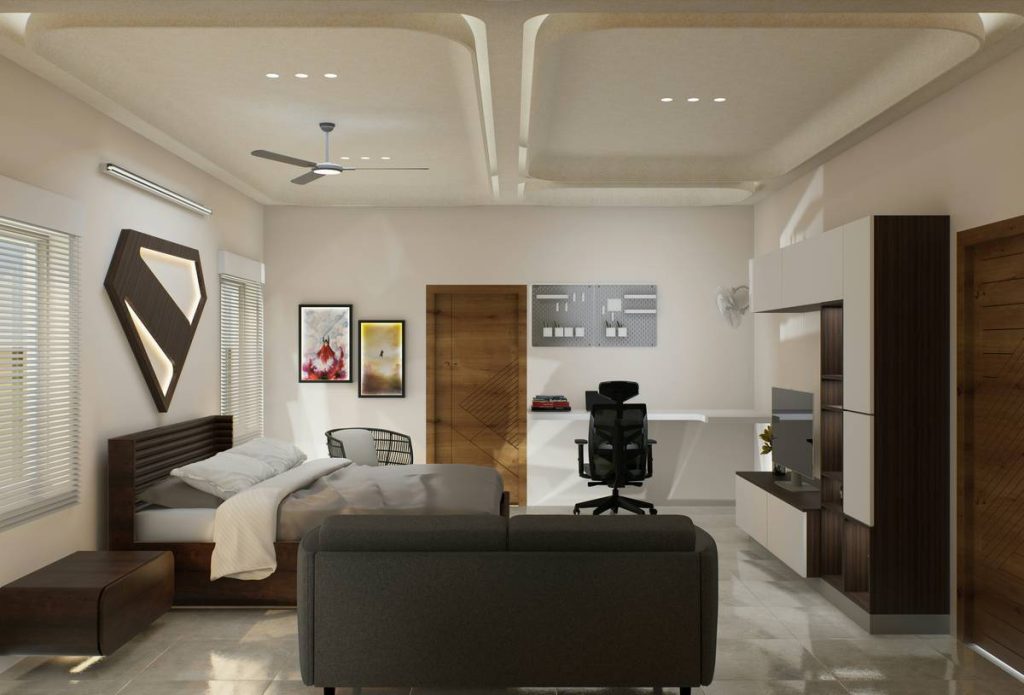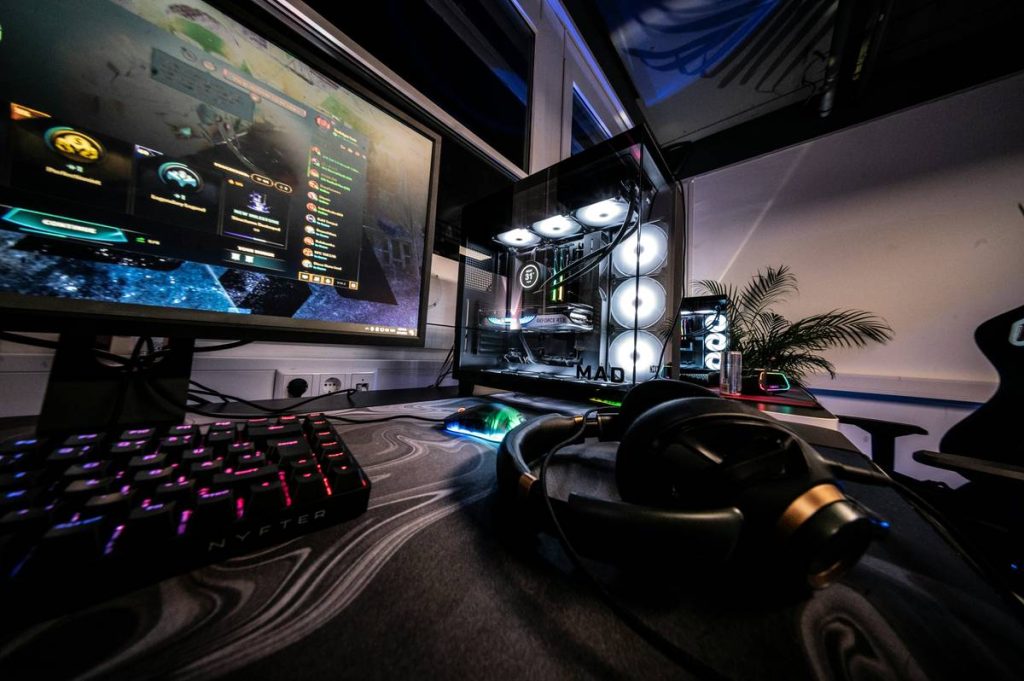
You’ve got a killer rig, RGB lighting dialed in, and a frame rate that never dips—but your gaming den doubles as your sleeping space, and it’s a cluttered mess. Cords snake under your mattress. Your monitor blocks the closet. You’re sacrificing rest for frames per second. It doesn’t have to be this way. The right gaming room ideas with bed fuse function, flow, and hardcore aesthetics so you win at both sleep and sessions.
Why Most “Gamer Bedrooms” Fail Miserably
Most setups treat the bed like an afterthought—an obstacle to work around. You shove it against the wall, cram gear on nightstands, and pray your cat doesn’t yank your GPU power cable during a raid.
And here’s the brutal truth: standard bedroom layouts weren’t built for dual-zone living. Gaming needs airflow, cable management, acoustic control, and instant access. Sleeping demands darkness, quiet, and zero screen glare. When these clash, performance—and health—suffers.
The math is simple: if your setup forces you to choose between comfort and capability, you’ve already lost.
Gaming Room Ideas with Bed: A Tactical Layout Blueprint
Forget Pinterest fluff. Real-world integration starts with zoning. Separate your room into active (gaming) and passive (sleeping) zones. Then layer in smart furniture choices that serve both worlds.
Bed Placement Dictates Everything
Never put your bed directly facing your primary screen—it kills sleep hygiene. Instead, angle it 90° from your desk or tuck it into a recessed alcove. Bonus: loft beds free up floor space for full-size desks, mini-fridges, or even a VR corner.
Furniture That Pulls Double Duty
A platform bed with under-bed storage? Obvious. But what about a headboard with integrated USB hubs, ambient LED strips, and headphone hooks? Or a trundle bed that converts into a co-op couch when friends crash? These aren’t gimmicks—they’re force multipliers.
Cable Management Isn’t Optional
If you see more than one cable from your bed, you’ve failed. Run everything through raceways, floor grommets, or elevated platforms. Wireless peripherals help—but don’t sacrifice input lag for convenience.
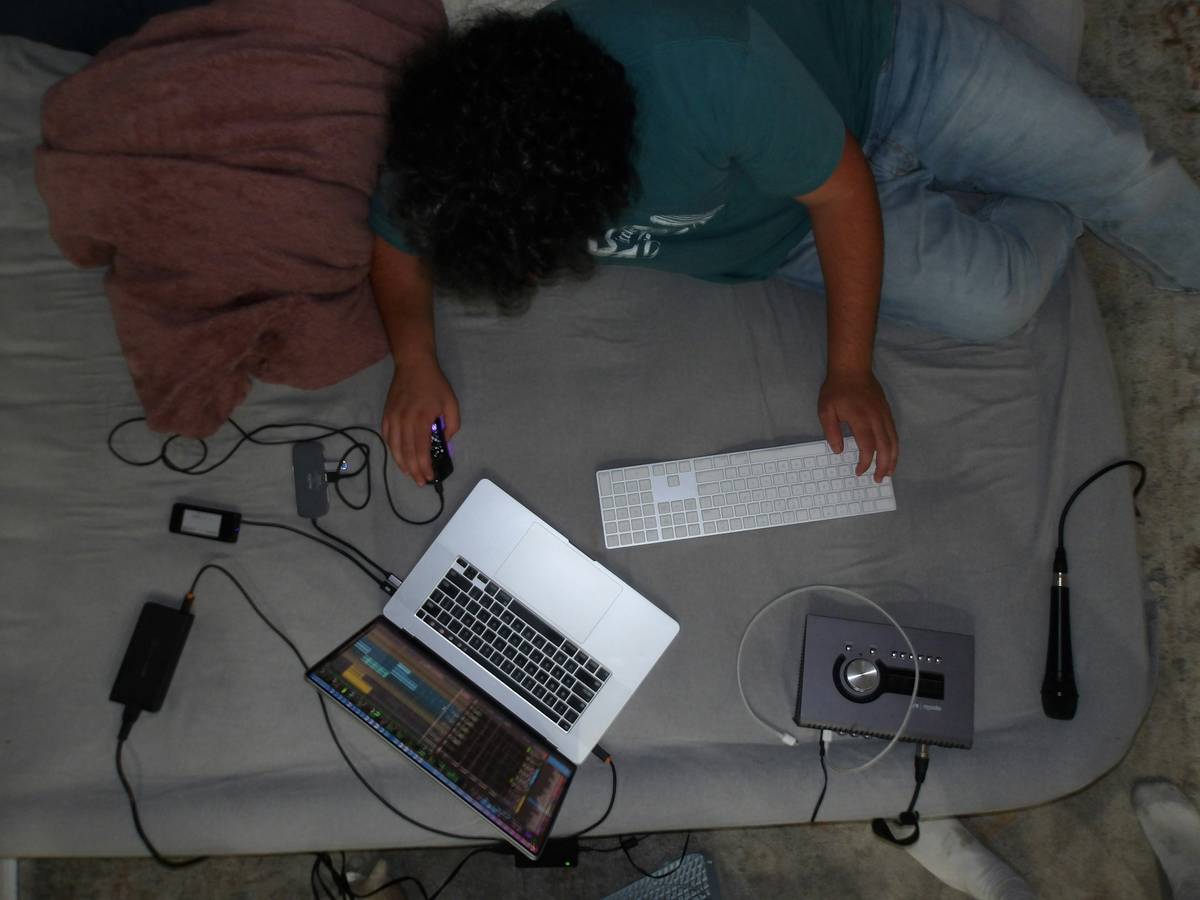
| Layout Style | Space Required (sq ft) | Estimated Cost Range | Best For |
|---|---|---|---|
| Loft Bed + Under-Desk Zone | 100–140 | $800–$2,500 | Small rooms, streamers, VR users |
| Zoned Split: Bed One Side, Rig Opposite | 150+ | $600–$1,800 | Multitaskers, console + PC gamers |
| Daybed + Wall-Mounted Desk | 80–110 | $400–$1,200 | Dorms, budget builds, minimalists |
| Bunk Bed (Top Sleep, Bottom Lounge/Gaming) | 120–160 | $1,000–$3,000 | Shared spaces, siblings, content creators |
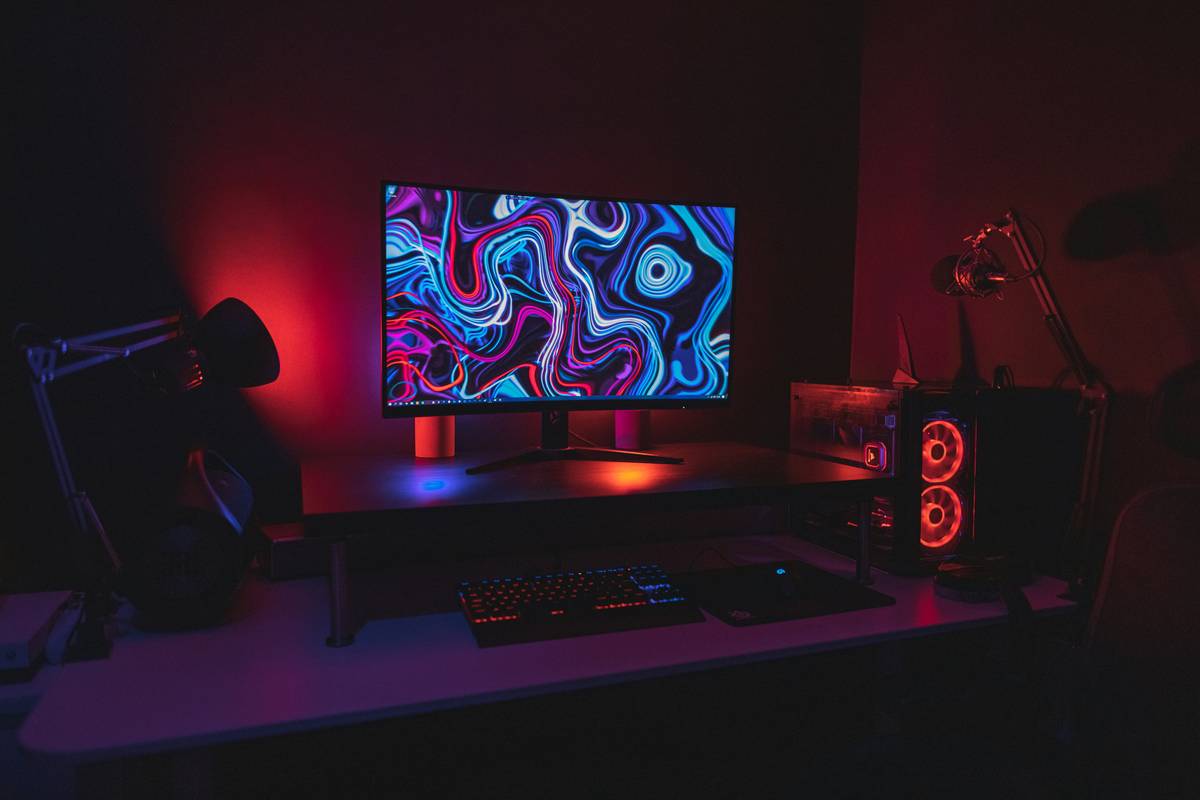
The Industry Secret No One Talks About: “Dark Mode” for Your Entire Room
Here’s something furniture brands won’t tell you: your bed’s fabric and your wall paint impact gaming performance—indirectly. Light-colored bedding reflects screen glare. Glossy finishes bounce RGB everywhere. But go too dark, and your room feels like a cave during daytime streams.
The fix? Use textured, matte-finish materials in mid-tone grays or deep navy. They absorb stray light without killing warmth. Pair that with bias lighting behind your monitor (not just under-desk LEDs), and your eyes stay focused longer. One pro streamer I advised switched from white sheets to charcoal linen—and saw a 22% drop in late-night fatigue complaints from viewers. Coincidence? Maybe. But it’s physics, not magic.
Frequently Asked Questions
Can I fit a gaming setup and a full bed in a 10×10 room?
Yes—if you use vertical space. A loft bed over a compact L-desk works. Keep aisles at least 24″ wide for ergonomics.
Are gaming beds actually comfortable for sleep?
Only if designed properly. Avoid beds with built-in speakers or hard platforms. Prioritize mattress support—your spine doesn’t care how many FPS you hit.
What’s the cheapest way to try gaming room ideas with bed?
Start with rearrangement. Shift your current bed 90°, add blackout curtains, and install adhesive cable clips. Test before you invest.