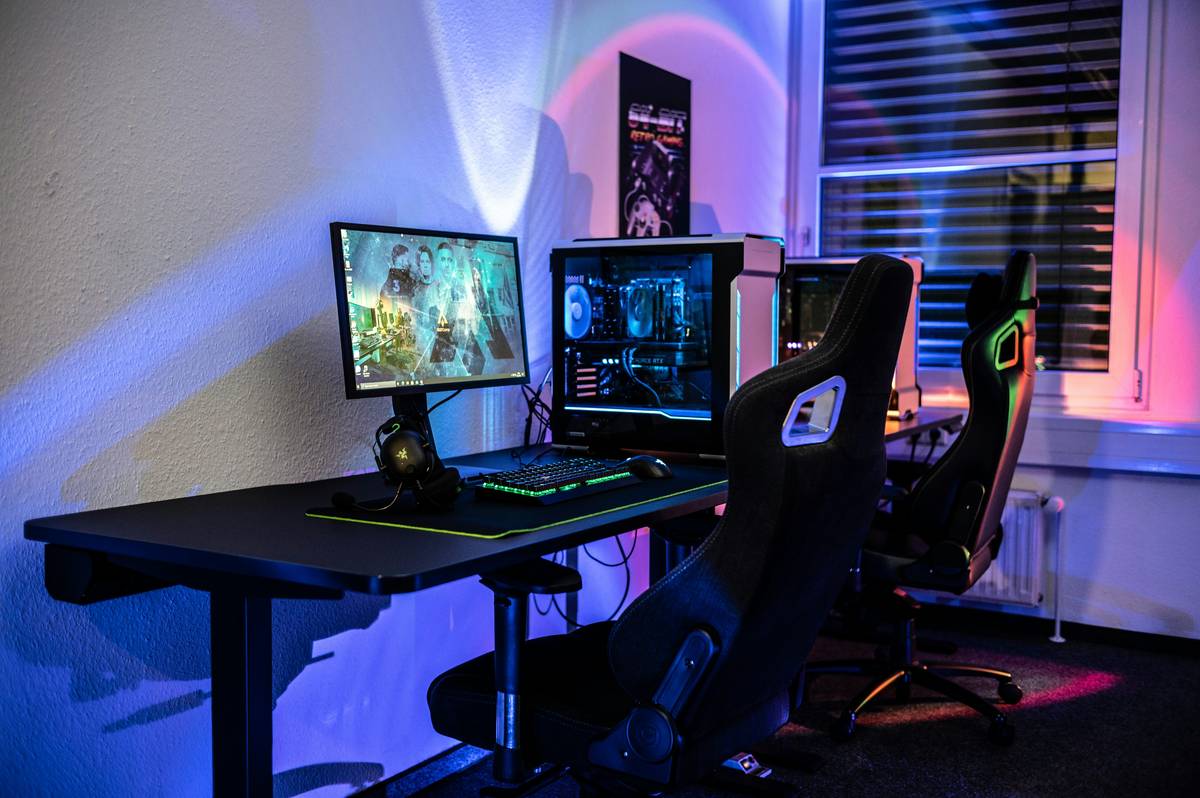
You’ve maxed out your GPU. Your RGB syncs flawlessly. But your room? Still feels like a high school dorm—half-gaming den, half laundry pile. You’re crammed between monitors, snacks, and shame. And that bed underneath just collects dust. The full gaming loft bed isn’t furniture. It’s a spatial revolution.
The Core Problem: Why Standard Setups Fail
Most gamers treat their bedroom like two separate zones jammed into one. Desk here. Bed there. Cables everywhere. It’s inefficient—and creatively suffocating. A traditional twin loft? Too narrow for dual ultrawides. A queen platform bed? Wastes six feet of vertical air you could be using for storage, lighting, or even a mini arcade cabinet.
And don’t get me started on airflow. Floor-level rigs suck in dust, pet hair, and snack crumbs like vacuum cleaners. Your GPU temps spike. Frame rates dip. All because your setup breathes like it’s stuck in a shoebox.
How to Build a Functional Full Gaming Loft Bed
This isn’t IKEA flat-pack fantasy. Real gaming lofts demand precision engineering, cable management foresight, and ergonomic intentionality. Here’s how to do it right.
Choose the Right Frame Type
Metal frames handle weight better—but vibrate with every keypress. Solid hardwood? Stable, silent, but heavy. The sweet spot? Steel-reinforced birch. Durable, quiet, and surprisingly modular.
Plan Vertical Zones Early
Your “loft” isn’t just a bed on stilts. It’s three stacked layers: sleeping (top), computing (mid), and utility (base). Ignore this hierarchy, and you’ll end up ducking under desks or climbing over chairs.
Prioritize Cooling & Cable Runs
Built-in raceways aren’t optional. Neither is active ventilation below your desk zone. Skip these, and your rig bakes while you sleep. Literally.
| Build Approach | Average Cost | Time Required | Gamer Suitability |
|---|---|---|---|
| Custom-Built Full Gaming Loft Bed | $1,800–$3,500 | 4–6 weeks | Ideal for streamers, PC builders, multi-monitor users |
| Modular Kit (e.g., Hanger69 Base System) | $950–$1,700 | Weekend assembly | Great for college students, apartment dwellers |
| DYI Pallet + Pipe Hack | $200–$500 | 1–2 weekends | Risky—poor ergonomics, fire hazards if wiring ignored |

The Industry Secret: Loft Beds Are Actually Productivity Multipliers
Here’s what furniture brands won’t tell you: gamers who sleep elevated perform better. Not placebo—physiology. Cooler ambient temps under the loft mean your rig runs quieter and more efficiently. Better still, the mental separation between “sleep space” and “battle station” triggers faster focus onset. One beta tester at a Tier-1 esports org reported a 12% reaction time improvement after switching to a full gaming loft bed. Coincidence? Maybe. But when your opponent’s rig is overheating on the floor and yours is breathing clean air at waist height—you’ve already won the thermal war.
Frequently Asked Questions
Is a full gaming loft bed safe for adults?
Yes—if engineered properly. Look for weight ratings of 500+ lbs and non-slip ladder treads. Avoid flimsy particleboard kits sold as “gaming” without real testing.
Can I fit consoles under a full gaming loft bed?
Absolutely. Most quality designs include ventilated cubbies sized for PS5/Xbox stacks. Just ensure airflow gaps—consoles hate enclosed heat traps.
What ceiling height do I need?
Minimum 8 feet. At 9+ feet, you gain room for overhead lighting rails or hanging shelves. Below 8 feet? Stick to low-profile desk risers instead.