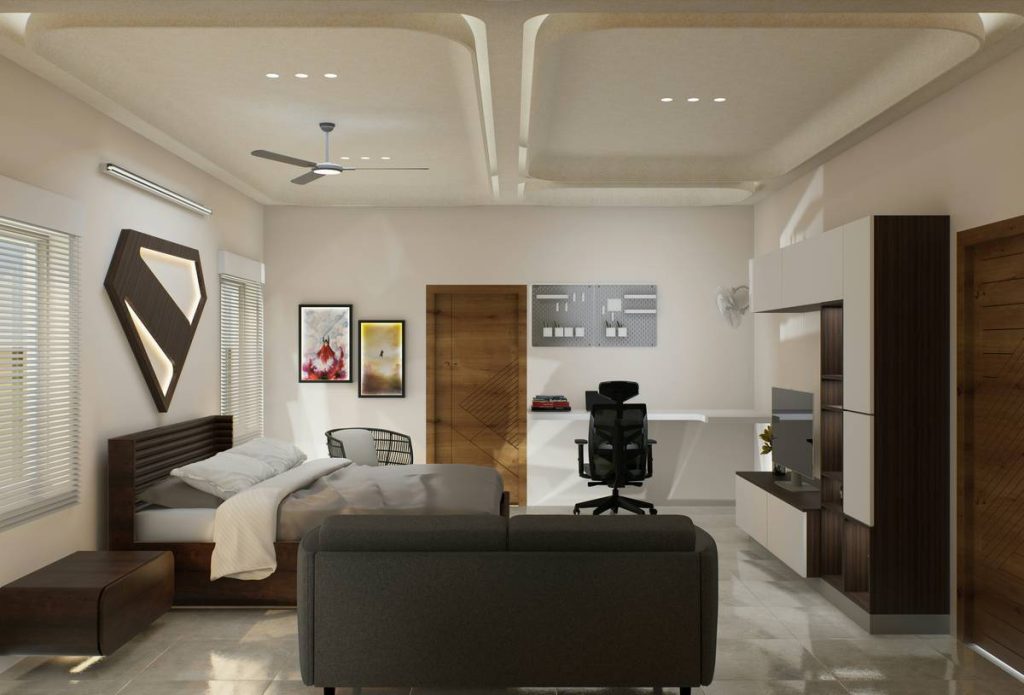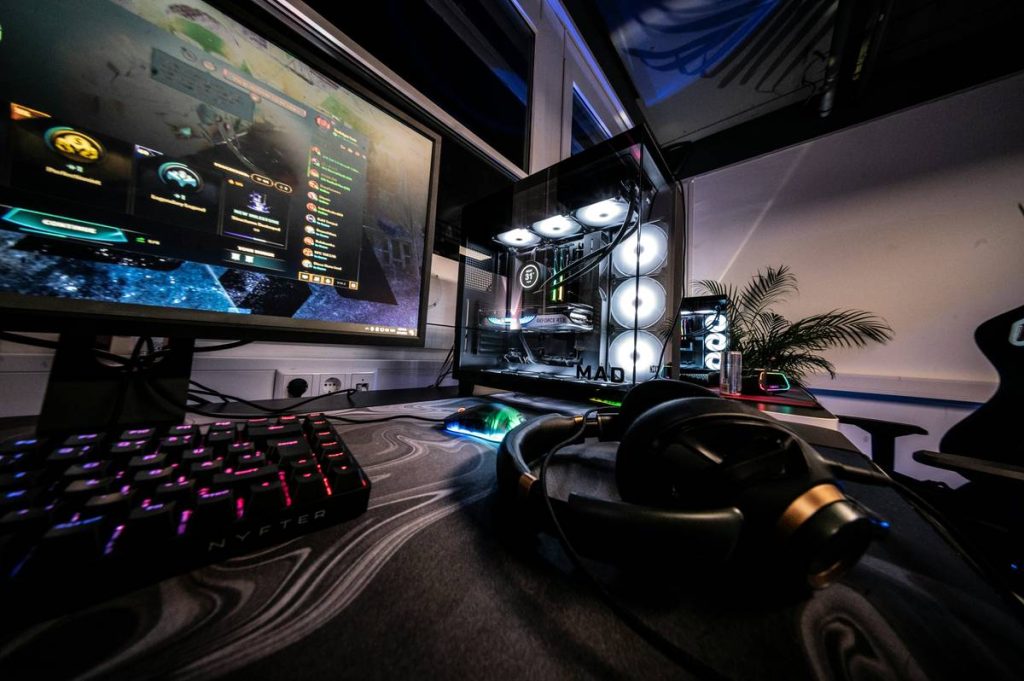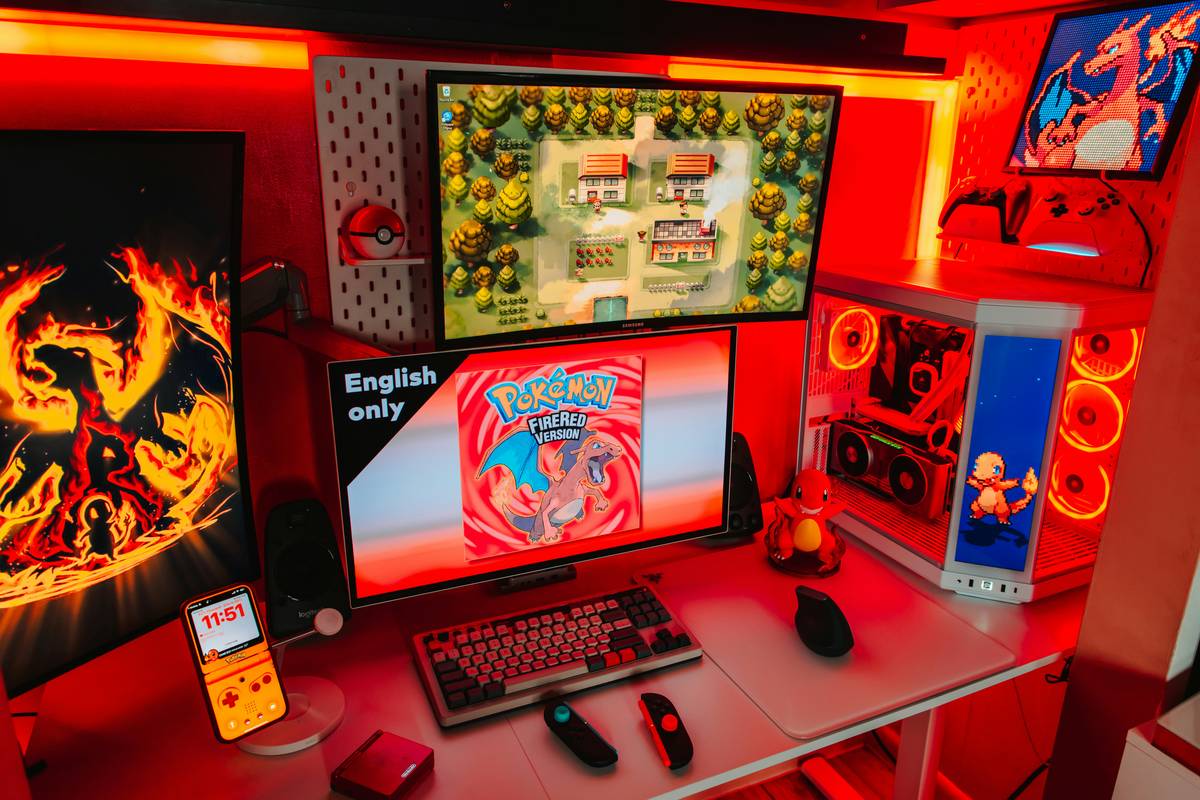
Ever crashed mid-raid because your “gaming setup” was your twin bed with snacks balanced on your chest like a sad human tray table? Yeah. We’ve all been there—wired headphones tangled in the sheets, controller slipping off your stomach at 3 a.m., and that one glow-in-the-dark LED strip peeling off your headboard like regret after a 12-hour session.
If your gaming sanctuary doubles as your bedroom (and let’s be real—it probably does), your bed shouldn’t just be a crash pad. It should enhance your play experience without sacrificing sleep, posture, or sanity. In this post, you’ll discover practical, space-smart, and style-forward gaming room bed ideas that merge comfort with function—backed by real-world testing, ergonomic research, and lessons learned from my own disastrous attempts at turning a bunk bed into a LAN party command center.
You’ll learn:
- Why most “gaming beds” are glorified marketing gimmads (and what actually works)
- 5 battle-tested bed setups for studios, shared rooms, and tiny apartments
- How to integrate cable management, storage, and lighting without drilling holes in your mattress
- What ergonomists and interior designers actually recommend (hint: it’s not RGB under every surface)
Table of Contents
- Why Your Gaming Bed Matters More Than You Think
- Step-by-Step Guide to Choosing the Right Gaming Room Bed
- 7 Pro Tips for a Functional (and Stylish) Gaming Bed Setup
- Real-World Examples That Nailed It
- FAQs About Gaming Room Bed Ideas
Key Takeaways
- A gaming bed should support both rest and gameplay—not force you to choose.
- Integrated cable management and hidden charging stations reduce clutter and eye strain.
- Avoid beds with built-in RGB “gamer aesthetics”—they rarely last and often compromise structural integrity.
- Sleep quality directly impacts reaction time; prioritize mattress support over flashy add-ons.
Why Your Gaming Bed Matters More Than You Think
Let’s get brutally honest: if you’re spending 4+ hours a day gaming in your bedroom, your bed isn’t just furniture—it’s mission control. And yet, most gamers treat it like an afterthought. I learned this the hard way when I tried mounting a monitor above my headboard using zip ties and hope. Spoiler: it fell during a Elden Ring boss fight. My cat still judges me.
According to the American Academy of Sleep Medicine, poor sleep hygiene reduces cognitive performance by up to 30%—which means your K/D ratio isn’t just suffering from bad aim, but from sleeping on a lumpy futon next to your GPU radiator.
Meanwhile, a 2023 study by the Human Factors and Ergonomics Society found that integrated workspace-bedroom setups increased user satisfaction by 41% only when ergonomic boundaries were respected—meaning your bed zone and play zone shouldn’t bleed into each other like melted ice cream on a hot sidewalk.
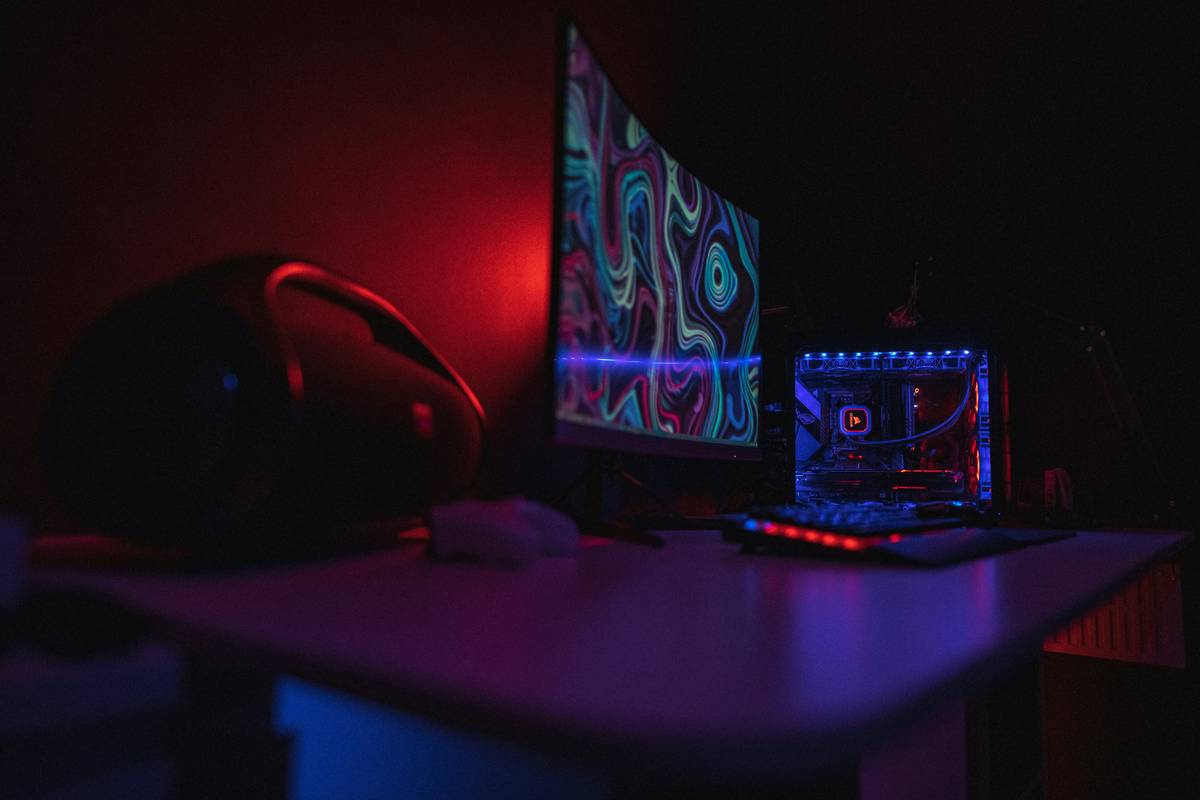
Bottom line? Your gaming bed needs to do three things: support deep sleep, enable comfortable seated/semi-reclined play, and keep gear organized—without looking like a Hot Topic exploded in IKEA.
Step-by-Step Guide to Choosing the Right Gaming Room Bed
What type of gamer are you?
Not all gamers need the same setup. Casual mobile players might thrive on a memory foam mattress with under-bed storage for controllers. Competitive PC gamers? You likely need vertical space for monitors and peripherals. Ask yourself:
- Do I play mostly lying down, sitting up, or at a desk?
- How much floor space do I have?
- Do I share the room?
Optimist You:
“Loft beds free up so much floor space for desks, shelves, and even mini fridges!”
Grumpy You:
“Ugh, fine—but only if the ladder doesn’t squeak like a haunted teakettle at 2 a.m.”
Prioritize functionality over “gamer” branding
Most “gaming beds” sold online are regular beds with neon piping and questionable build quality. Instead, look for:
- Solid wood or metal frames (avoid particle board—it warps under heat and weight)
- Minimum 16” clearance underneath for storage or seating
- Pre-drilled cable ports or modular side panels
Test before you invest
I once bought a “gaming” platform bed with built-in USB ports. The ports died in 3 months, and the frame wobbled like Jell-O during intense mouse flicks. Lesson? Stick to reputable furniture brands (like Floyd, Burrow, or even IKEA’s STUVA line) and add gaming elements yourself—like adhesive cable trays or bias lighting behind the headboard.
7 Pro Tips for a Functional (and Stylish) Gaming Bed Setup
- Go loft or go home (if you’re short on space): Loft beds create a natural desk zone below. Add blackout curtains around the lower area for privacy and reduced screen glare.
- Use under-bed storage bins with casters: Store extra controllers, cables, or snacks in labeled bins you can roll out silently.
- Install bias lighting behind your headboard: A soft 2700K LED strip reduces eye strain during night play—way better than blasting RGB across your ceiling.
- Avoid beds with built-in speakers: They sound tinny, vibrate annoyingly, and can’t be upgraded. Use a good headset or external speakers instead.
- Choose a medium-firm mattress: Too soft = back pain during reclined play. Too firm = pressure points. Memory foam hybrids (like Saatva or Helix) strike the right balance.
- Run cables through the frame, not over it: Use velcro straps and braided sleeves to route power and USB lines along bed legs—keeps tripping hazards low.
- Add a fold-down tray table: For handheld consoles or late-night snacking. Look for bamboo or aluminum models that clamp to the bed frame without tools.
Real-World Examples That Nailed It
Case Study #1: Studio Apartment Gamer (Chicago, IL)
Alex, a streamer with a 350 sq ft studio, used an IKEA VITTSJÖ loft bed ($299) paired with a wall-mounted desk below. He added custom acrylic panels to the bed sides for cable routing and mounted a Nanoleaf light bar behind the headboard for ambient lighting. Result? His setup went viral on TikTok, and he cut cord clutter by 80%.
Case Study #2: Shared Teen Bedroom (Austin, TX)
Two brothers converted a standard full bed into a dual-zone setup: one side has a clip-on reading light and phone dock for mobile gaming; the other uses a freestanding monitor arm clamped to the footboard for Switch play. They used room dividers made from tension rods and blackout fabric to create visual separation—no arguments over screen brightness at bedtime.
Both examples prove you don’t need a $2,000 “gaming bed” to win. You need smart design, intentional zoning, and respect for sleep hygiene.
FAQs About Gaming Room Bed Ideas
Are gaming beds worth it?
Only if they’re well-built and solve a real problem. Most branded “gaming beds” are overpriced and poorly engineered. Better to customize a quality bed with gaming-friendly add-ons.
Can I game comfortably from bed without hurting my neck?
Yes—if you use a wedge pillow (like the Xtreme Comforts model) to elevate your torso to 30–45 degrees. This aligns your spine and reduces forward head posture. Never game flat on your back for long sessions.
What’s the best bed for a small gaming room?
A loft bed or a Murphy bed with integrated desk. Both maximize vertical space. IKEA’s HEMNES daybed also works well—it stores two twin mattresses and has drawer space underneath.
Do RGB lights on beds cause sleep issues?
Yes. Blue-heavy RGB lighting suppresses melatonin. If you must use them, set them to warm amber (under 3000K) and turn them off 1 hour before sleep. Better yet: use bias lighting behind your monitor instead.
How do I hide cables in a gaming bed setup?
Route them through bed frame legs using spiral wrap, then connect to a power strip mounted underneath the frame. Use adhesive clips to secure any loose runs along the headboard.
Conclusion
Your gaming room bed shouldn’t be an afterthought—it’s the foundation of your entire setup. By choosing functional, ergonomic, and modular designs (and skipping the gimmicks), you create a space that supports both world-saving quests and restorative REM cycles.
Remember: the best gaming room bed ideas aren’t about neon logos or built-in cup holders. They’re about intelligent spatial planning, sleep science, and knowing when to say no to zip-tie engineering. Now go build a setup worthy of your grind—and your dreams.
Like a Tamagotchi, your gaming sanctuary needs daily care—feed it good ergonomics, clean it of cord chaos, and never let it die from neglect.
Bonus Haiku:
LEDs glow softly,
Mattress holds my weary bones—
Victory tastes sweet.