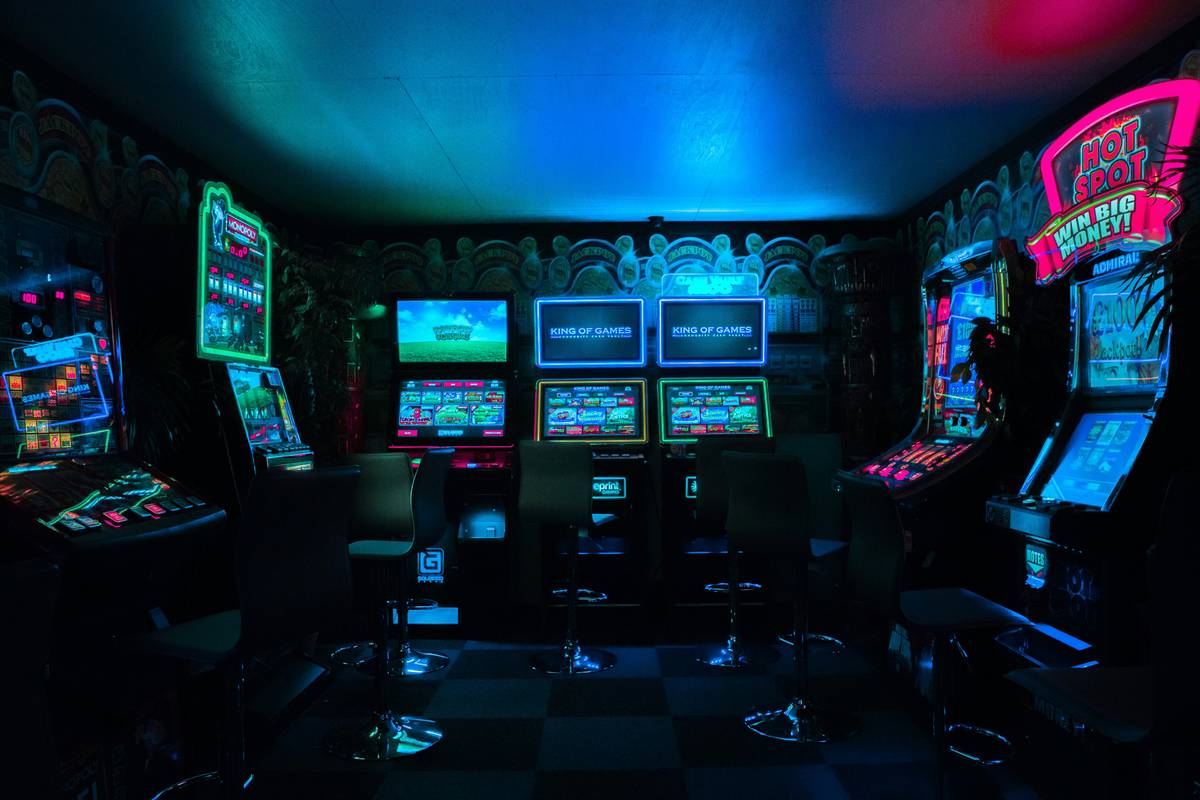
Cramped bedrooms. Cluttered floors. Cables snaking everywhere. You love gaming—but your room feels like a warzone, not a sanctuary. A standard bed eats half your square footage, leaving zero room for consoles, monitors, or even breathing space. What if your sleeping zone could actually *enhance* your setup? Enter the loft bed with gaming area—a vertical solution that flips spatial logic on its head.
Why Traditional Bedroom Layouts Fail Gamers
Most furniture assumes you just sleep and leave. But gamers live in their rooms. They stream. They tinker. They host LAN parties at 2 a.m. And yet, we shove a king-sized mattress into a 10×12 space and wonder why everything feels chaotic.
Here’s the reality: horizontal sprawl is dead weight. Floor plans optimized for “normal” life ignore the gear-heavy, dynamic needs of serious players. You end up with tripping hazards, poor cable management, and compromised ergonomics—all because your bed refuses to share airspace.
How to Build or Buy a Loft Bed with Gaming Area That Actually Works
Forget flimsy IKEA hacks that wobble under a dual-monitor rig. A functional loft bed with gaming area balances structural integrity, airflow, accessibility, and aesthetics. Do it right—or don’t do it at all.
Step 1: Measure Your Ceiling Height—Then Subtract 8 Inches
You need clearance for standing, stretching, and swiveling in your chair. Anything under 6’4″ of usable headroom beneath the loft defeats the purpose. And yes—that includes accounting for your mattress thickness.
Step 2: Prioritize Weight Distribution Over Looks
A steel frame beats wood for longevity when you’ve got a PS5, gaming PC, and mini-fridge underneath. Wood looks cozy but sags over time—especially with heavy components stacked low. Go industrial-grade if you’re serious.
Step 3: Integrate Power & Data From Day One
Drill conduit channels through the support posts. Run Ethernet and USB lines inside the frame. External power strips dangling from the loft? That’s amateur hour. Clean routing = fewer fire hazards and zero “why’s my mic cutting out?” meltdowns.

Step 4: Optimize the Under-Loft Zone Like a Pro
This isn’t just “a corner for your console.” It’s your command center. Angle your desk toward natural light. Mount monitors at eye level. Use blackout curtains around the base for immersion—or acoustic panels if you stream. Every inch must earn its keep.
| Approach | Cost Range | Build Time | Gaming Readiness |
|---|---|---|---|
| Pre-fab loft kits (e.g., Maxtrix, Storkcraft) | $800–$1,800 | Weekend | Moderate (limited customization) |
| Custom metal fabrication | $2,500–$5,000+ | 3–6 weeks | Excellent (built-in mounts, cooling, PSU access) |
| Dreamweaver DIY (wood + brackets) | $400–$900 | 2–3 weekends | Poor to fair (vibration issues, heat trapping) |
The Industry Secret: Your Loft Should Breathe—and Cool
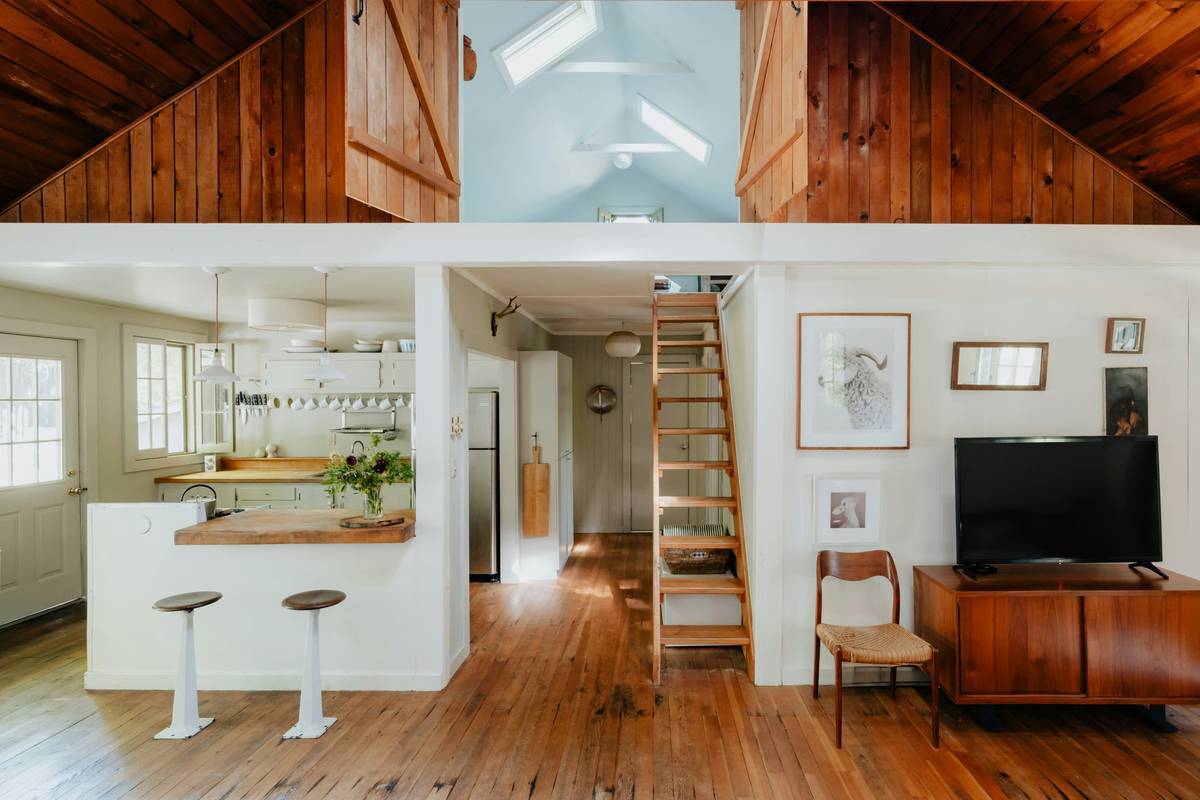
Most manufacturers won’t tell you this: trapped heat under a loft bed murders GPU performance. Consoles throttle. Laptops overheat. And no, a $20 fan taped to the desk won’t fix it. The real fix? Passive thermal design. Leave 18+ inches between the floor and the bed platform. Use perforated panels—not solid plywood—as side skirting. Route exhaust fans downward to pull hot air away from components. I’ve seen rigs run 12°C cooler just by swapping slats for mesh panels. And here’s the kicker—bedrooms with lofts actually have *better* airflow than standard setups… if engineered right. Most aren’t.
Frequently Asked Questions
Can a loft bed with gaming area support a full-size PC tower?
Yes—if the under-loft desk has reinforced bracing and ventilation. Avoid placing heavy towers on particleboard shelves; mount them externally or use steel brackets.
Are loft beds safe for adults who game daily?
Absolutely, provided the frame uses commercial-grade materials (14-gauge steel or hardwood ≥1.5″ thick) and is anchored to wall studs. Skip anything labeled “youth” or “dorm.”
How much room do you need for a functional loft gaming setup?
Ideal minimum: 10×12 feet. This gives 36–42 inches of clearance under the loft and enough lateral space for chair movement, storage, and peripheral access.