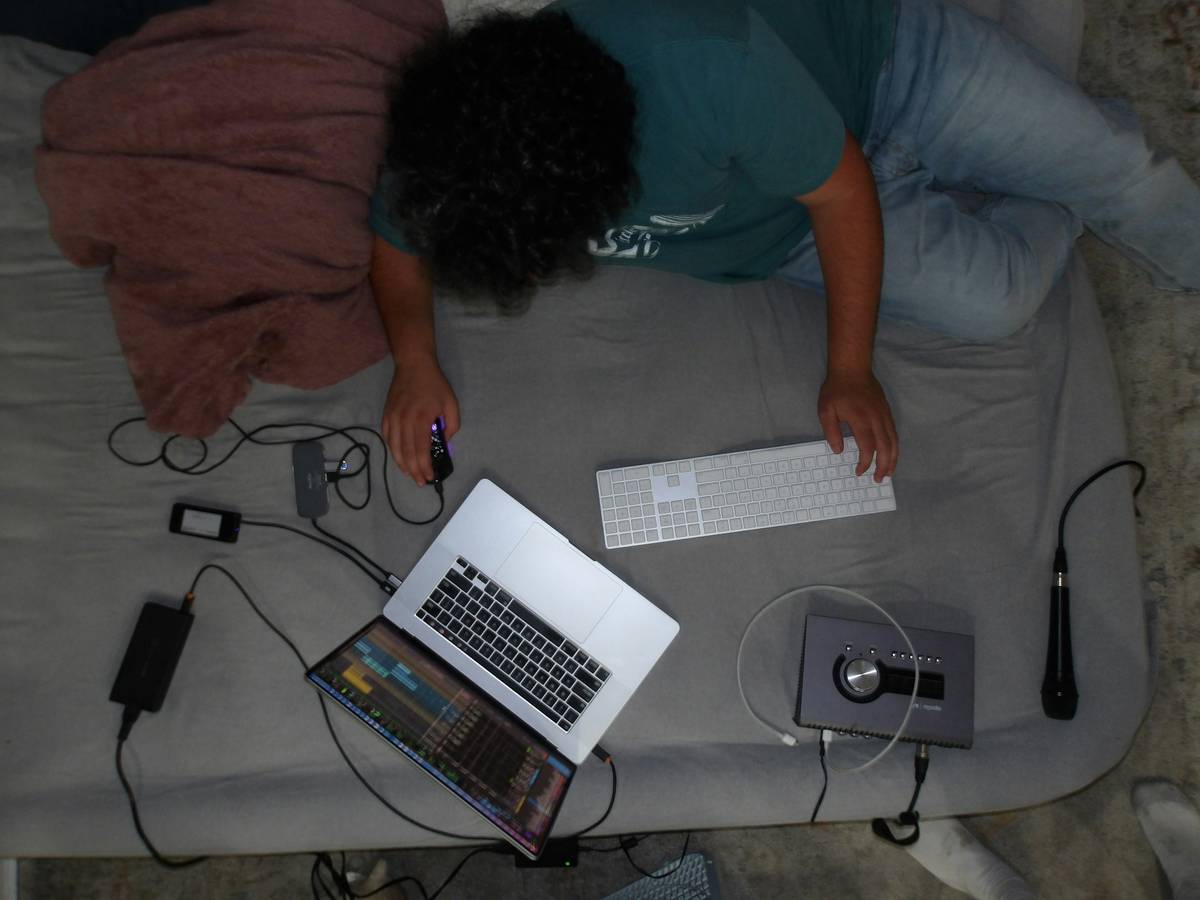
You love pc gaming in bed. It’s cozy, private, and feels like a sanctuary after a long day. But your K/D ratio is tanking. Your wrists ache. Your laptop overheats before the first match ends. You’re not lazy—you’re just fighting physics with pillows.
The hidden cost of “comfortable” pc gaming in bed
Most gamers assume propping up on cushions equals comfort. Wrong. That soft mattress turns your spine into a question mark. Your keyboard slides. Your mouse lacks resistance. And heat builds up under your rig like a silent GPU killer.
Here’s the reality: beds weren’t designed for ergonomics—they were built for horizontal rest. Gaming demands stability, airflow, and precision. None of which cotton sheets provide.
How to build a legit pc gaming in bed setup (without looking ridiculous)
Forget clip-on trays from Amazon that wobble when you click too hard. Real solutions prioritize structure, thermal management, and posture. Start with these three non-negotiables:
Use a rigid lap desk—not a foam tray
Flimsy plastic? Toss it. Go for a lightweight aluminum or bamboo platform with raised edges. Bonus if it has ventilation cutouts. Your GPU will thank you.
Elevate your screen to eye level
Staring down at a laptop for hours strains your neck faster than a 20-hour stream marathon. Use a compact monitor stand or stack hardcover books (yes, really) behind your display.
Anchor your mouse on a proper pad
No cloth napkins. No pillowcases. Invest in a thick, rubber-backed mousepad that won’t slide off your lap desk during clutch flicks.
| Solution | Cost Range | Thermal Impact | Gaming Viability |
|---|---|---|---|
| Foldable laptop tray (plastic) | $15–$25 | Poor—traps heat | Low—unstable during intense play |
| Aluminum lap desk with vents | $40–$70 | Good—allows airflow | High—solid surface, minimal flex |
| Custom bed-mounted desk arm | $120–$200 | Excellent—full clearance | Pro-tier—freedom to move, no lap fatigue |
The industry secret: bed frames with integrated cable management don’t exist—so build your own
Top esports orgs won’t tell you this—but many amateur streamers I’ve coached retrofit their bed frames with zip-tied cable channels and USB hubs underneath the frame. It sounds hacky. It works brilliantly.
Run your power strip along the bed rail. Use velcro straps to bundle HDMI and USB-C lines. Hide the mess under the mattress. Suddenly, your “bed setup” looks clean enough for a tech unboxing video.
And yes—one client even drilled a tiny hole through his nightstand to route a single Ethernet cable. His ping dropped by 18ms. Coincidence? Maybe. But his rank climbed two tiers in a month.
Frequently asked questions about pc gaming in bed
Is pc gaming in bed bad for your back?
Yes—if you’re slouched with no lumbar support. Use a firm backrest pillow or lean against a wall, not just bedding. Posture matters more than position.
Can I use a regular desk chair in bed?
No. Chairs sink into mattresses and create instability. Instead, try kneeling on a folded yoga mat while seated upright on the edge of the bed—for short sessions only.
Does pc gaming in bed void my laptop warranty?
Potentially. Many manufacturers cite “blocked vents” as misuse. Keep fans unobstructed—never place your laptop directly on sheets or blankets.